Incari Studio 2025.1 continues our focus on performance, efficient workflows and scalable HMI development. The new release introduces a WebAssembly based player, major performance improvements and refined editor workflows that support complex projects from early prototyping to series production.
New WebAssembly Feature: Running your HMI in the browser
With Incari Studio 2025.1, HMI projects can now be executed directly in the browser using the new WebAssembly based player. Existing Incari projects run without additional code and reuse the same logic and rendering pipeline as on embedded targets.
This makes it easier to share interactive HMI prototypes for reviews and user testing. It also simplifies integration into existing web based toolchains and demo setups. The WebAssembly player is especially useful when collaborating with stakeholders who need fast access without installing dedicated runtimes.
Best practice: WebAssembly in the FORVIA project
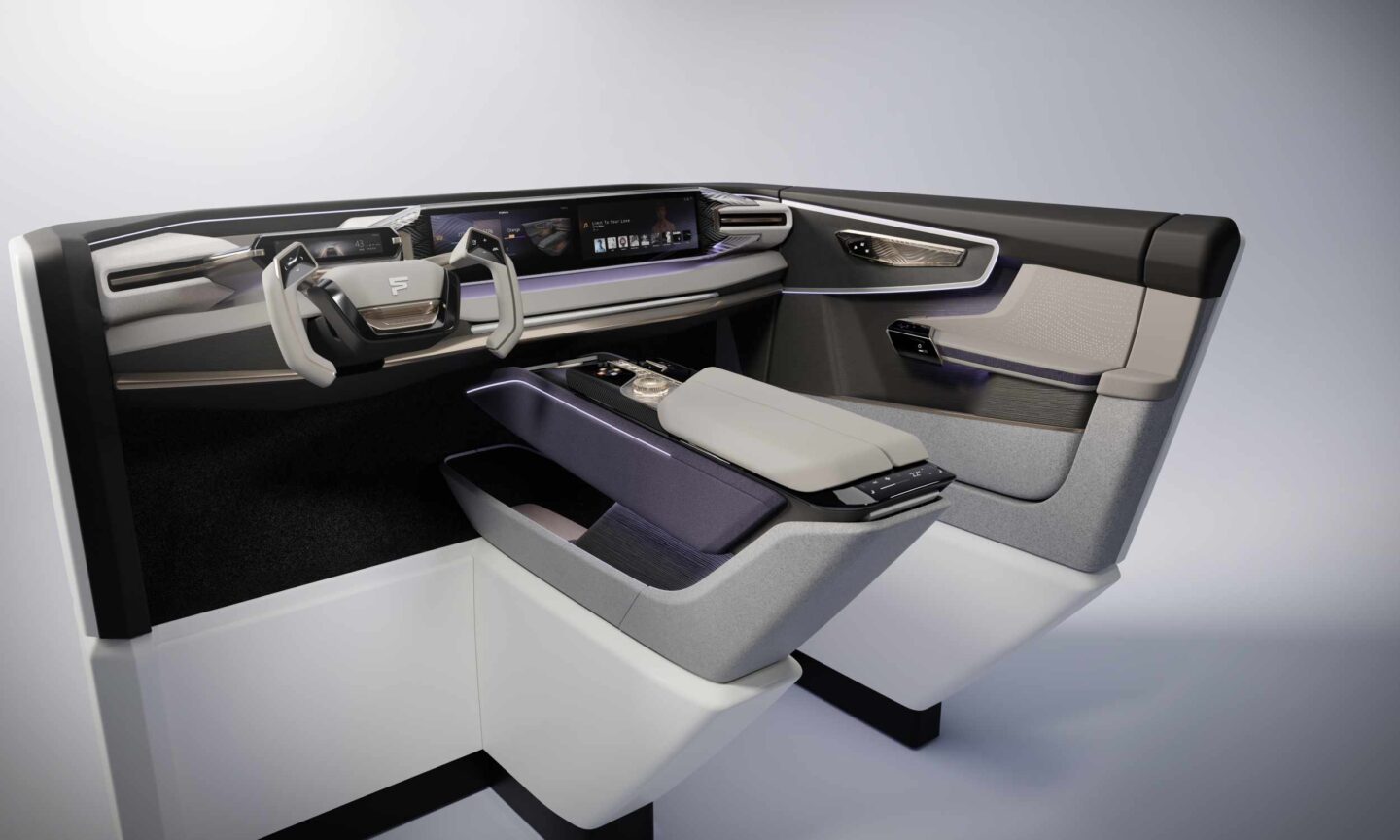
The FORVIA CES 2023 project is a strong example of how the new WebAssembly feature can be used in real projects. A fully functional HMI was implemented in a very short time and shared with teams from design and engineering for review and validation.
Running the HMI directly in the browser enabled faster feedback cycles and closer alignment between design and engineering, which contributed significantly to the rapid implementation of the project.
Incari Studio 2025.1 delivers a significant performance boost when working with complex HMI projects. Loading, saving and updating large scenes is now up to six times faster.
Shorter iteration cycles reduce waiting times during daily work and allow teams to focus on design, logic and interaction instead of tool performance. This improvement is especially noticeable in projects with many screens, assets and logic nodes.
Improved 2D editor workflow
The 2D Scene Editor in Incari Studio 2025.1 offers a more efficient interaction model for layout and screen design. Several workflow improvements help to keep complex interfaces precise and consistent.
Axis lock allows constraining object movement to a single axis while editing.
Uniform resize makes it possible to resize elements proportionally from edges and corners.
Viewport panning lets you move the viewport while interacting with objects.
Refined controls improve multi object editing and selection behavior.
Together, these enhancements reduce manual corrections and speed up layout work in complex 2D scenes.
GUI refresh for better clarity
The user interface of Incari Studio has been refined in version 2025.1 to improve clarity and usability. Panels, icons and spacing have been updated to make navigation more consistent across the Studio. The refreshed GUI provides a clearer workspace and supports a smoother user experience when working on Incari Studio projects, especially during longer development sessions.
Further improvements
Incari Studio 2025.1 includes several additional enhancements that further improve daily work.
Custom Shader Support in 2D allows building custom visual effects directly in the 2D Scene Editor.
Prefab usability has been improved. Prefabs can now be added directly to the creation menu for faster access.
The event system has been reworked to support easier event handling using event bubbling technology.
Render to texture now supports transparent backgrounds, enabling new compositing and rendering scenarios.
Get started with Incari Studio 2025.1!
Incari Studio stands for fast and efficient development of multimodal HMIs without writing a single line of code. Version 2025.1 builds on this foundation and makes Incari Studio faster, more flexible and easier to integrate into modern development workflows.