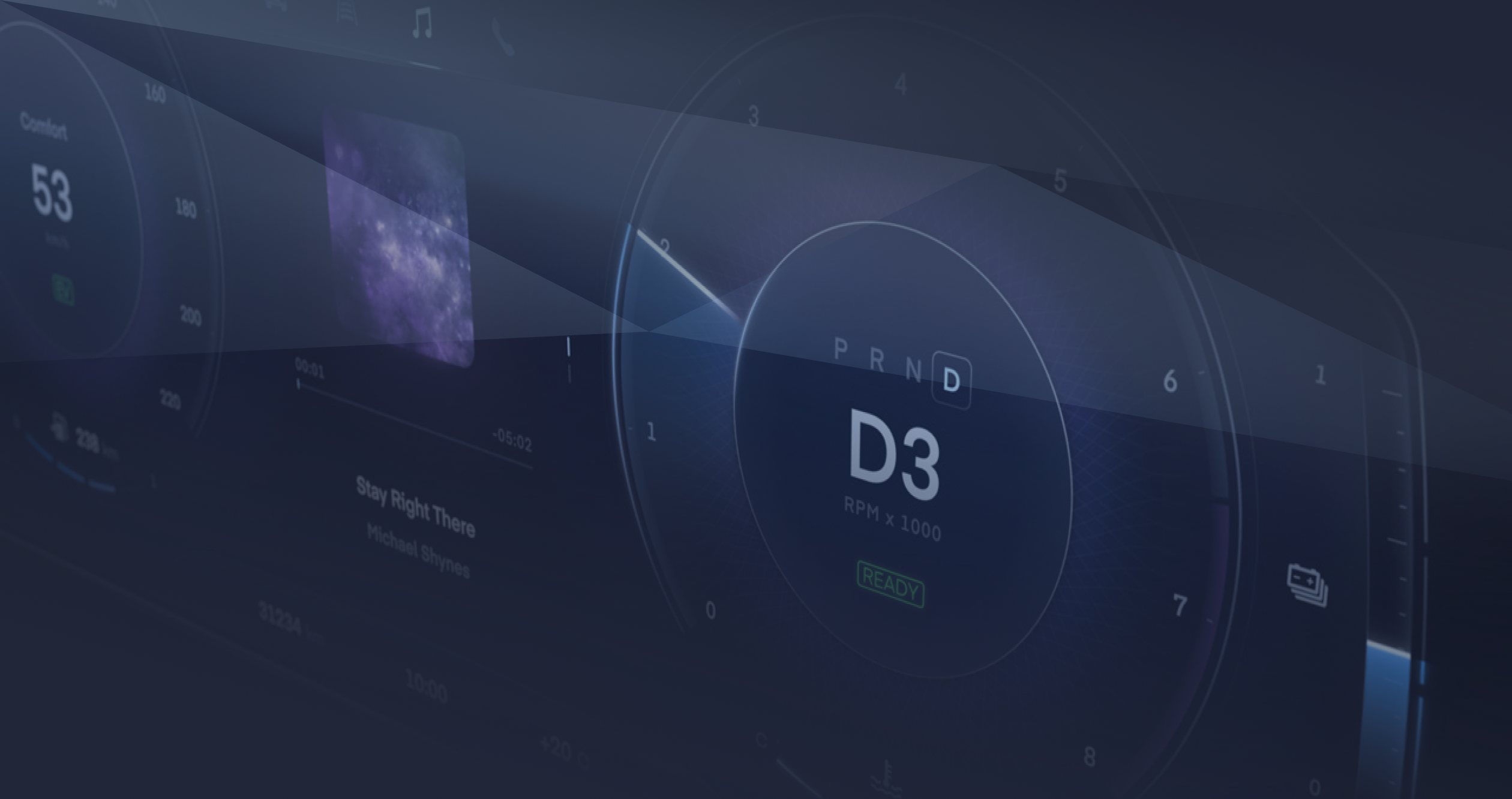
Incari Studio 2025.1
Still Incari. Just faster.
With WebAssembly support, performance optimizations and improved 2D editor workflow, Incari Studio 2025.1 makes it even easier to build and deploy multimodal HMIs.

Running your HMI in the browser
Incari Studio 2025.1 introduces a WebAssembly player that lets you run Incari projects directly in the browser.
-

Reuse the same project logic and rendering pipeline without additional code
-
Enable instant sharing of HMI prototypes for reviews and user testing
-
Simplify integration in existing web based toolchains and demo setups


Performance Boost
Incari Studio 2025.1 delivers a significant performance boost when working with complex HMI projects. Loading, saving and updating large projects is now up to 6 times faster which shortens iteration cycles.
Improved 2D editor workflow
The 2D scene editor in Incari Studio 2025.1 offers a more efficient interaction model for layout and screen design. New tools for constrained movement, resizing and navigation help to keep complex interfaces precise and consistent.

Axis lock
Constrain object movement to a single axis to keep layouts aligned while editing.

Uniform resize
Resize elements uniformly from edges and corners to preserve proportions.

Viewport panning
Move the viewport while interacting with objects to keep the relevant area in view.

Refined controls
Additional interaction options make multi object editing and selection more predictable.
GUI refresh: A clearer, more focused Studio interface
The Incari Studio user interface in 2025.1 has been refined to improve clarity and usability. Updated panels, icons and spacing make navigation more straightforward and provides a better user experience while working on Incari Studio projects.
Further improvements
We continue to refine Incari Studio. Version 2025.1 focuses on runtime performance, editor ergonomics and overall stability to support demanding HMI projects at scale.

Custom Shader Support in 2D
Build your own visual effects using Incari’s new shader support.

Prefab Usability
A prefab can now be added directly to the creation menu.

Reworked Event System
Easier event handling with event bubbling technology.

Render-to-Texture Transparency
Support of transparent backrounds for render-to-texture.
Get Incari Studio
Try our new Incari Studio release and elevate your HMI interactions.
Incari Studio Trial
Enterprise Plan
- No-Code HMI development
- Full Connectivity Features
- From design to series production
- You need to register first before subscribing to Incari Studio.